



App Influencer Brief Template: What to Include for Better UGC
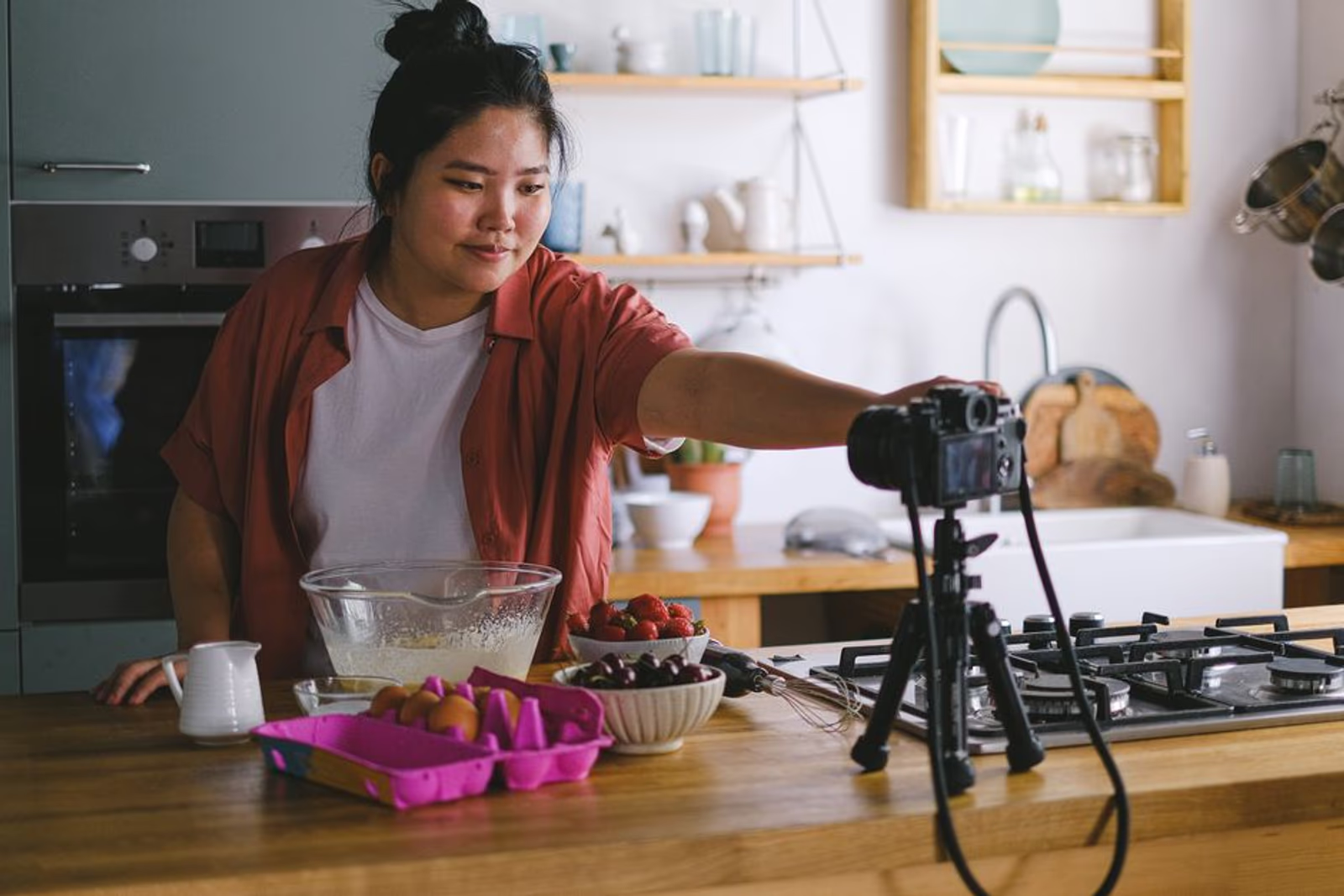
Most influencer briefs for apps are either a wall of text the creator never reads, or a one-pager so vague the output is unusable. Both outcomes cost you money. A good brief is the difference between a creator delivering a 15-second hook that drives installs and a creator delivering a generic lifestyle shot that your UA team can't run anywhere.
This is a working template — built around what actually needs to be communicated to get UGC that serves your app marketing strategy across paid channels, organic social, and the App Store itself.
Why the Brief Is the Most Leveraged Document in Influencer Marketing
When you're running app install campaigns, every creative asset has to earn its place. UGC from influencers can outperform polished studio creative — but only when the creator understands the context. They need to know: where the content will run, who's watching, what the viewer already knows about your app, and what action you want them to take.
Without that context, creators default to what they know — which is usually content optimized for their own audience, not your acquisition funnel.
A tight brief solves this without micromanaging the creative. You set the parameters. They bring the execution.
The Core Sections Every App Influencer Brief Needs
Here's the structure. Use this as a checklist — every section below should appear in your brief before you send it.
1. Campaign Overview (2–3 sentences max)
Tell the creator what the app does, who it's for, and what the campaign is trying to accomplish. Not a pitch. Not a mission statement. One clear paragraph.
Example:
MyPace is a fitness and nutrition app for people who want structure without a personal trainer. We're running a paid UGC campaign targeting 25–40-year-old fitness beginners. The goal is app installs, not brand awareness.
That last sentence matters more than people think. Creators optimize differently when they know the end goal is an install versus a follow.
2. Target Audience Profile
Describe the person watching, not the person using the app after install. These are sometimes different, especially on TikTok or Meta where cold audiences are broad.
Include:
- Age range and gender skew (if relevant)
- Pain point or motivation the creative should speak to
- What they likely already know (or don't know) about this category of app
3. Deliverables Table
Be explicit. Ambiguity here causes reshoots, disputes, and delayed launches.
| Deliverable | Format | Length | Aspect Ratio | Raw Files? | Deadline |
|---|---|---|---|---|---|
| Hook video (primary) | Vertical video | 15–30 sec | 9:16 | Yes | Oct 15 |
| Hook video (alternate) | Vertical video | 15–30 sec | 9:16 | Yes | Oct 15 |
| B-roll / lifestyle | Vertical video | 10–15 sec | 9:16 | Yes | Oct 15 |
| Static image | JPEG/PNG | N/A | 4:5 and 1:1 | Yes | Oct 15 |
Always ask for raw files — unedited, no caption overlays, no music baked in. Your creative team needs to cut, caption, and test variations. If the creator bakes their music choice into the export, your paid team can't use it without licensing issues.
Always ask for two hook variations. The first five seconds determine whether someone stops scrolling. If you only get one version, you're betting everything on a single opening line.
4. Hook Direction (The Most Important Section)
This is where most briefs go wrong. They describe the app features instead of describing the opening moment of the video.
Give the creator 2–3 specific hook options to choose from. These should be written as opening lines or scenarios — not vague creative direction.
Weak direction:
"Show how easy the app is to use and how it helped you achieve your goals."
Strong direction:
Option A: Start mid-action — you're standing in a grocery store, phone in hand, saying: "I used to spend $200 on food and still gain weight. Then I started scanning everything before I buy it."
Option B: Before/after framing — open on a messy notes app or food diary, say: "This was me trying to track my own macros," then cut to the app's dashboard.
Option C: Direct address — look straight at the camera, say: "If your problem is starting, not sticking to a plan, this is the app they don't advertise on TV."
The creator picks one and executes it. You've given them a direction, not a script. There's a difference.
5. App-Specific Talking Points (3–5 max)
List the features or benefits you want mentioned — but cap it at five. If a creator tries to hit ten talking points in 30 seconds, the video will feel like an ad, and performance will drop.
Prioritize the points most relevant to the target audience's pain point. Not the features your product team is most proud of.
Mark which ones are required and which are optional:
| Talking Point | Required? |
|---|---|
| The app is free to download | Required |
| Personalized meal + workout plans | Required |
| AI coaching feature | Optional |
| Syncs with Apple Health | Optional |
| 14-day free trial | Required |
6. Do's and Don'ts
Short and scannable. Creators read these — but only if they're specific.
Do:
- Film in natural light
- Use your real voice, not a narrator tone
- Show the app screen for at least 3–5 seconds of the video
- Mention the download CTA at or near the end
Don't:
- Use background music that isn't cleared for commercial use
- Show competitor apps
- Make health claims (e.g., "this will help you lose weight") — keep language aspirational, not prescriptive
- Add your own branded overlays or watermarks
The health claims note isn't generic caution — it's legally material for apps in fitness, wellness, or healthcare categories. If you're running ads for something like a medical or HIPAA-adjacent app, this section needs a legal review before the brief goes out.
7. Usage Rights
This section gets skipped constantly and causes expensive problems later.
Be explicit about:
- Paid usage: Can you run this as a paid ad? On which platforms? For how long?
- Whitelisting: Can you run ads from the creator's handle (creator licensing / whitelisting)?
- Organic usage: Can you repost it on Semnexus's or the brand's own channels?
- Exclusivity: Is the creator restricted from posting for a competing app in the same 30/60/90-day window?
A typical starting point for UGC-focused content:
"Brand receives perpetual, worldwide license to use deliverables in paid advertising across Meta, TikTok, Google, and YouTube. Creator grants whitelisting permission for [X] days. Creator agrees to a 30-day exclusivity window for direct competing apps in the [fitness/logistics/marketplace] category."
If you're scaling UGC as a channel, have your legal team build a standard addendum rather than renegotiating usage terms in every brief.
8. Submission and Revision Process
Tell the creator exactly how to submit files, what format review happens in, and how many revision rounds are included.
A clean setup:
- Upload raw files to a shared Google Drive folder by the deadline
- Brand team reviews within 3 business days
- One round of revisions included; additional rounds billed at [rate]
- No organic posting until brand approves the content
What to Leave Out of the Brief
The brief is a creative tool, not a contract. Keep legal details in the separate agreement. Keep campaign analytics and attribution setup (UTM structure, tracking links, MMP configuration) in a separate onboarding doc for your performance team.
Overloaded briefs produce confused creators. If a creator has to scroll past your KPI targets, budget breakdown, and platform attribution specs to get to the hook direction, you've already lost them.
Running paid UGC alongside other app acquisition channels? See how our mobile app marketing services team structures creative testing across Meta, TikTok, and Apple Search Ads — UGC is one input in a broader system.
Brief Length and Format
Keep the brief under two pages in a PDF or doc. Use headers. Use tables. Bold the required items.
If your brief is longer than 1,000 words, you're either over-explaining or including content that belongs in the contract instead. Cut it.
A good rule: if a creator can't read your brief in under five minutes and know exactly what to film, the brief is the problem, not the creator.
For paid UA creative specifically, pair this brief with a structured testing approach. Our guide on building a 12-week creative testing pipeline for app install ads covers how to sequence and evaluate UGC alongside other creative formats.
FAQ
How many creators should I brief at once for an app launch?
For a first UGC push, three to six creators is a manageable batch. It gives you enough creative variation to test without overwhelming your review process or budget. Scale up once you know what hooks and formats are converting.
Should I give creators a script or just the talking points?
Give them the hook direction and talking points — not a full script. Scripted delivery reads as scripted on camera and typically underperforms in UGC-style placements. The hook options give structure without killing the creator's natural delivery.
What if the creator's content doesn't match the brief?
That's a brief failure before it's a creator failure. If the deliverable misses on something explicitly stated in the brief, one revision round is reasonable. If it misses on something ambiguous, that's on you — tighten the brief for the next round.
Do I need a separate brief for organic versus paid UGC?
It depends on how different the usage is. If content will run as paid ads, the hook direction, CTA language, and usage rights section all shift. Better to keep them as separate brief documents rather than trying to serve both use cases from one doc.
How specific should the app screen demo requirement be?
Specific enough that you don't end up with blurry, three-frame screen flashes. State the minimum screen time (typically 3–5 seconds), name the specific screen or feature flow you want shown, and note whether the creator should narrate during that section or let the UI speak for itself.
What's the biggest brief mistake app marketers make?
Leading with the app's feature list instead of the audience's problem. Creators can only make content that resonates with viewers — and viewers don't care about features until they understand why the features matter to them. Brief the problem first, the solution second.
If your influencer spend isn't producing UGC you can run in paid channels, the brief is usually the first place to look. Get the template right, and you'll start building a creative library that compounds — assets you can test, iterate on, and license long after the original campaign ends.
If you want a team that handles brief creation, creator sourcing, and paid distribution as one connected system, book a call with us or explore what our mobile app marketing services team builds for app teams at every stage.





