



App Marketing Funnel Teardown: Where Installs Actually Die
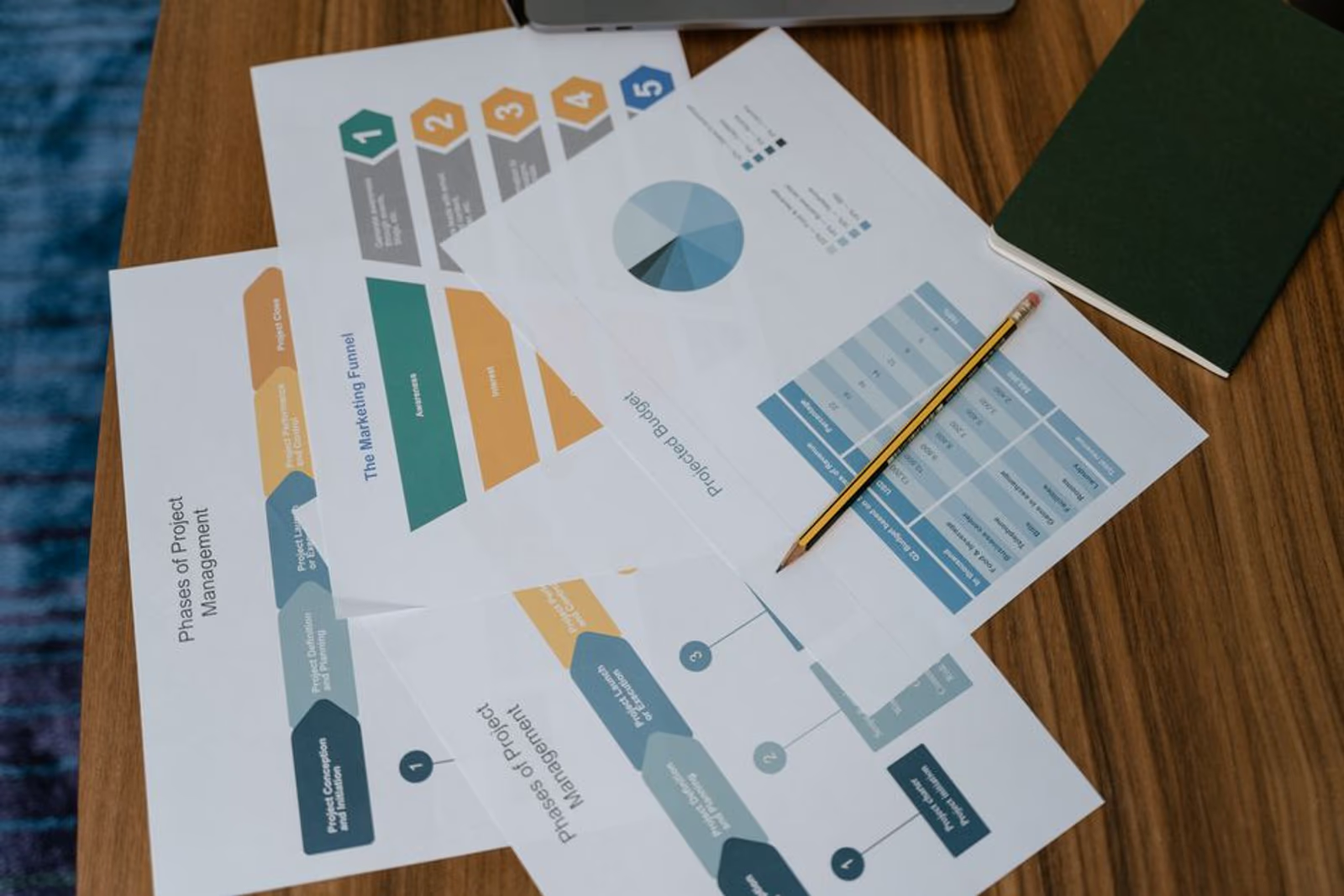
Most app teams focus on getting users to tap "Install." That's the wrong obsession. The install is the middle of the story, not the end — and frequently not even where the biggest losses happen. The app acquisition funnel has five distinct stages, each with its own failure mode, and most teams are only measuring one or two of them.
This is a stage-by-stage teardown of where users actually disappear, what the drop-off looks like, and what you can do about it. Not theory — patterns we see repeatedly across real app engagements.
Stage 1: Awareness — The Invisible Problem
Before anyone installs your app, they have to know it exists. Awareness drop-off is the hardest to measure because the people you're losing never show up in your analytics.
The common failure here isn't weak creative — it's narrow channel strategy. Teams pick one or two paid channels (usually Meta and Google App Campaigns), optimize for volume, and declare awareness "handled." What they miss:
- Organic search (Play Store and App Store discovery via keyword queries)
- Social proof loops (existing users sharing, reviewing, referencing the app)
- Content and SEO — someone googling "best app for [your use case]" before they ever visit a store
The fix at this stage is channel diversification backed by ASO groundwork. You can't buy your way to sustainable awareness — the cost per install on pure paid acquisition keeps climbing as you scale. Building organic discovery in parallel is what separates apps that grow efficiently from ones that burn budget indefinitely.
For a deeper look at channel strategies across the full acquisition lifecycle, the 2026 Mobile User Acquisition Strategy post breaks down which channels perform at which growth stage.
Stage 2: Store Page — The First Real Funnel Leak
A user clicks your ad, your store listing surfaces in search, or a friend sends them a direct link. They land on your App Store or Google Play page. This is where a significant percentage of potential installs die, and most teams underestimate how much.
Store page conversion rates vary by category, but across our engagements, well-optimized store pages convert meaningfully higher than neglected ones — often the difference between a 20% and a 60% install rate from store page visits. That gap is enormous when you're paying for every click upstream.
The drop-off culprits are consistent:
| Store Page Element | Common Problem | Impact |
|---|---|---|
| Icon | Generic, doesn't communicate category or differentiation | Low tap-through from search |
| Screenshots | Feature-first instead of benefit-first; no headline text overlay | High bounce from page |
| Preview video | Missing entirely, or too long and slow to start | Users scroll past without engaging |
| Description (first line) | Keyword-stuffed instead of benefit-led | Doesn't hook the reader |
| Ratings & reviews | Low count, unresponded negative reviews | Trust killer for new visitors |
| App size | Unusually large for the category | Install hesitation on limited storage |
The fastest wins at this stage are screenshots and the preview video. These two elements do more work than anything else on the page. Screenshots should lead with outcomes ("Track every shift, get paid faster") not features ("Timesheet management module"). The preview video should show real UI within the first three seconds.
Stage 3: Install — Not Actually the Finish Line
The install fires. Attribution logs it. The team celebrates. And then a large share of those users never open the app again.
Day-1 retention is the clearest signal of whether your install is worth anything. Industry benchmarks across categories put day-1 retention anywhere from 25% to 40% for average apps. Top-quartile apps hold more. If you don't know your day-1 number, that's the first thing to fix — not your ad creative.
The install-to-open gap has two main causes:
- Expectation mismatch — the ad or store page promised something the app doesn't immediately deliver. Users open once, don't see what they expected, and close.
- Onboarding friction — the app asks for too much before giving anything. Account creation, permissions, long surveys — all before the user has seen a single moment of value.
The fix isn't always obvious. In our engagements, we often find that the store page is technically accurate but tonally off — it implies a simpler, faster experience than the app actually delivers in its first session. Aligning your marketing message with your actual D1 experience reduces the expectation gap.
Stage 4: Onboarding — Where the Real Blood Is
If stage 2 is where installs die, stage 4 is where activated users die. Onboarding is the highest-stakes UX in the entire app, and it gets the least attention from most teams.
A bad onboarding sequence:
- Asks for push notification permission before the user understands why they'd want notifications
- Requires full profile completion before letting the user touch the product
- Shows a feature tour instead of getting the user to their first meaningful action
A good onboarding sequence does one thing: get the user to their "aha moment" as fast as possible. Every screen that delays that moment is a screen that will cost you users.
The metrics to watch here are funnel completion rates step-by-step. If you're using a tool like Mixpanel, Amplitude, or Firebase, you should be able to see exactly which onboarding screen has the sharpest drop. In our experience, the permission-request screen and any mandatory form field are the two most common choke points.
Practical fixes:
- Move push permission requests to a moment of clear value (after the user completes their first task, not on app open)
- Make profile completion optional for v1 access; collect data progressively
- Replace linear feature tours with interactive guided flows that produce a real outcome
Stage 5: Activation — The Stage Most Teams Skip Entirely
Activation is not the same as onboarding completion. Activation is the moment a user does the specific thing that predicts they'll stick around. It varies by app — for a fitness app it might be completing the first workout, for a marketplace it might be completing a first transaction, for a B2B tool it might be inviting a teammate.
Most apps never define this event. They track installs, maybe sessions, sometimes day-7 retention. But they don't identify the specific action that separates retained users from churned ones — and therefore they can't optimize for it.
The process for finding your activation event:
- Pull a cohort of users who are still active at day 30
- Look at what they did in their first 48 hours that churned users did not
- That action (or combination of actions) is your activation event
- Rebuild your onboarding to maximize the percentage of users who hit that event within session 1 or 2
This is behavioral analysis work, not gut-feel product work. And it pays back significantly — moving more users through to activation is typically cheaper than buying more installs.
For more on retention-focused strategies that tie directly to activation, see 5 App Marketing Strategies to Skyrocket User Retention in 2026.
Running paid acquisition without a clean onboarding and activation sequence is lighting money on fire. If you want an outside audit of your full funnel before scaling spend, Semnexus's mobile app marketing team reviews the whole stack — store page, attribution, onboarding, and activation metrics — before recommending a growth plan.
The Full Funnel at a Glance
| Stage | Primary Metric | Most Common Failure | Fastest Fix |
|---|---|---|---|
| Awareness | Impressions, organic reach | Narrow channel mix, weak ASO | ASO keyword coverage + one additional organic channel |
| Store Page | Store conversion rate | Screenshots, no preview video | Redesign screenshots with benefit-led headlines |
| Install | Install volume, D1 retention | Expectation mismatch with ad | Audit ad-to-store-page message alignment |
| Onboarding | Step-by-step funnel completion | Permission requests too early, too many required fields | Reorder onboarding, make fields optional |
| Activation | Activation event completion rate | Activation event undefined | Define the event, instrument it, rebuild onboarding around it |
FAQ
What is an app acquisition funnel?
The app acquisition funnel is the full sequence of steps a user takes from first hearing about your app to becoming an active, retained user. It includes awareness, store page visits, installs, onboarding, and activation. Most teams only track installs, which means they're optimizing one stage and ignoring four others.
What's a realistic store page conversion rate?
It varies significantly by category, app quality, and traffic source. Apps with optimized screenshots, a preview video, and strong ratings typically convert at a meaningfully higher rate than apps that treat the store page as an afterthought. If you're running paid acquisition and not tracking store page conversion separately from ad click-through, you're missing a major optimization lever.
What's the difference between onboarding completion and activation?
Onboarding completion means the user finished your setup flow. Activation means the user did the specific thing that predicts long-term retention. They're often not the same event. A user can complete onboarding and still churn in 48 hours if they never reached a moment of genuine product value.
How do I find my app's activation event?
Pull cohorts of retained users (active at day 30) and compare their first-48-hour behavior against churned users. The action that retained users consistently took — and churned users didn't — is your activation signal. Tools like Amplitude, Mixpanel, or Firebase Funnels make this analysis tractable.
Should I fix my funnel before scaling paid user acquisition?
Yes. Scaling paid acquisition into a leaky funnel accelerates losses, not growth. Fix your store page conversion, onboarding drop-off, and activation rate first. Even modest improvements at each stage compound into significantly lower effective cost per activated user.
What's the most common mistake teams make in the app acquisition funnel?
Treating installs as the end goal. Installs are a lagging indicator of awareness and store page health, and a leading indicator of onboarding and activation performance. The teams that grow efficiently are the ones who hold the entire funnel in view simultaneously.
If you want a structured review of your funnel — store page, attribution setup, onboarding sequence, and activation definition — book a 30-minute call or visit the Semnexus mobile app marketing services page to see how we approach this work.





