


ASO for Education Apps: Keyword Patterns That Drive High-Intent Installs
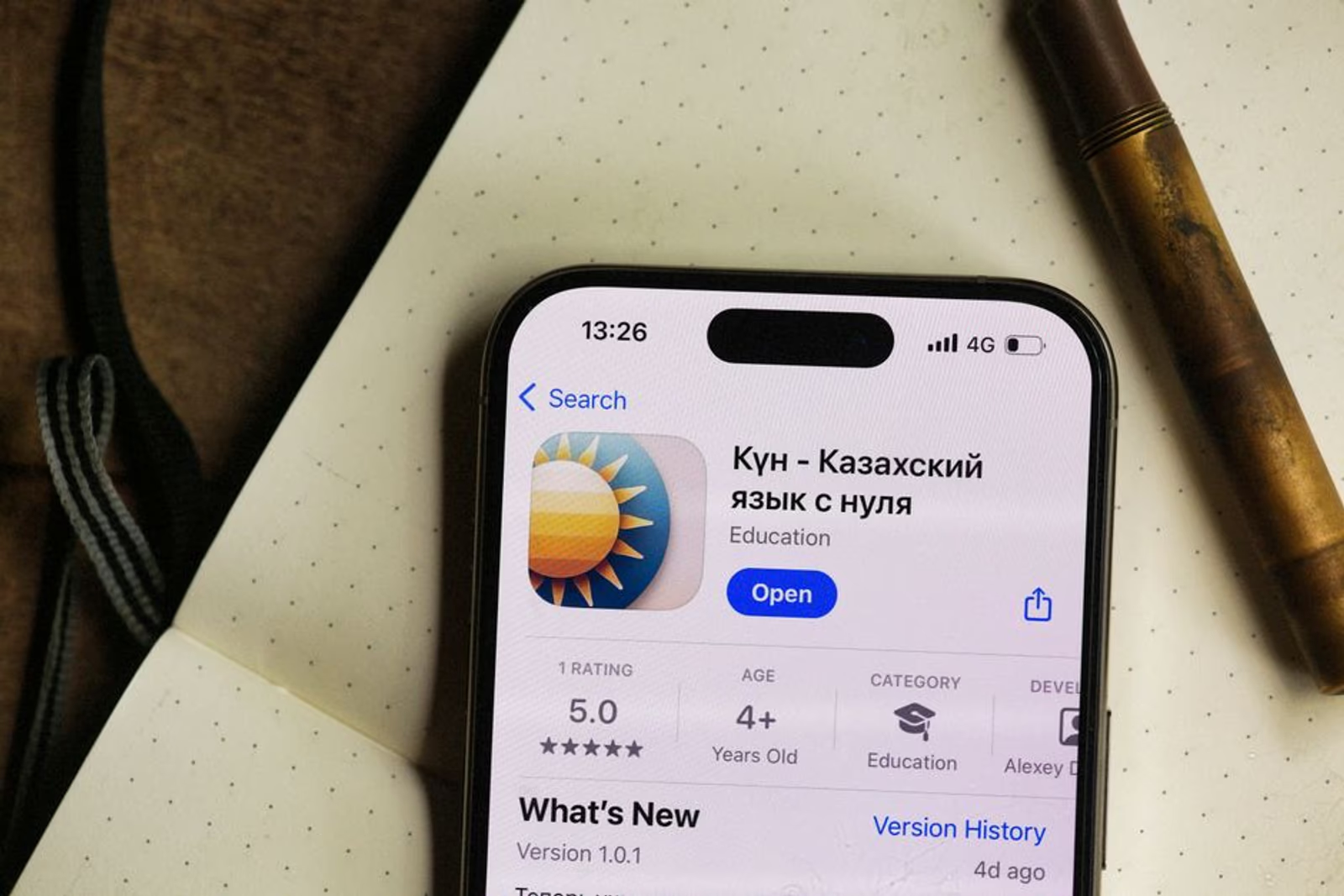
Education apps sit in one of the most brutally competitive App Store categories. Duolingo, Khan Academy, and Coursera have locked in category-generic keywords for years. If you're launching an EdTech app — or trying to grow one that's already live — and you're targeting the same broad terms those incumbents own, you'll spend a lot of money and move nowhere.
The fix isn't a bigger budget. It's a different keyword architecture. This guide covers the patterns that actually move installs for education apps: how user intent clusters work in this category, where the competitive gaps are, and how to structure your metadata to capture demand the big players are leaving on the table.
Why Education App Intent Is Different From Other Categories
Most app categories have a relatively simple intent spectrum. Gaming users want to be entertained. Fitness users want to track something or lose weight. The download decision is quick and low-stakes.
Education is different. Users in this category are making a commitment, not just tapping install. They're searching with a specific outcome in mind — pass a certification exam, help a child learn to read, pick up conversational Spanish before a trip. That specificity is a huge opportunity for app keyword optimization because it means the search queries are longer, more concrete, and far less dominated by brand names.
When you look at how people actually search for education apps, you see three distinct intent modes:
- Outcome intent: "learn python for free," "LSAT prep app," "GED practice test"
- Audience intent: "kindergarten reading app," "app for adult learners," "homeschool curriculum app"
- Format intent: "flashcard app," "video lessons app," "offline language learning"
Most education app ASO strategies collapse all three into a generic keyword list. That's the mistake. Each intent mode needs its own keyword cluster and its own metadata home.
The Keyword Architecture That Works for EdTech
Strong education app metadata is built in layers. Here's how to think about each one:
Title (30 characters on the App Store, 50 on Google Play): This is your highest-weight field. It should contain your primary keyword — the one term that defines the app's core outcome. For a test prep app, that might be "SAT Prep & Practice Tests." For a kids' literacy app, "Learn to Read — Phonics." Don't waste characters on your brand name in the title unless the brand already has search demand.
Subtitle (App Store) / Short Description (Google Play): Use this to capture a second outcome-intent keyword cluster. If your title targets the exam name, your subtitle can target the audience — "For High School Students" or "Grades 3–5."
Keyword field (App Store only, 100 characters): No spaces between terms, no repeating words already in your title or subtitle. This is where format-intent and audience-intent terms live.
Long description (Google Play, fully indexed): Google Play indexes this text. Use it to place your supporting keyword clusters in natural sentences — not keyword-stuffed paragraphs. Think of it like on-page SEO for a landing page.
Where the Competitive Gaps Actually Are
The major players dominate broad terms like "language learning," "math," and "study app." The gaps exist in three places:
1. Credential and certification specificity. Terms like "CompTIA A+ practice test," "PMP exam prep," or "bar exam flashcards" have meaningful search volume and almost no metadata competition from well-optimized apps. Most apps in these niches have generic titles and ignore the credential name entirely.
2. Age and grade specificity. "Reading app for 2nd graders" performs better in conversion than "kids reading app" because the parent searching knows exactly who they're shopping for. The install is more likely to stick because the fit is tighter.
3. Learning modality. Terms like "spaced repetition app," "microlearning," or "bite-sized lessons" attract a more engaged, retention-oriented user. These users have already learned that passive video doesn't work for them — they've opted into a method. That behavioral signal tends to correlate with better D30 retention.
Here's a breakdown of the three intent clusters with example terms and where to place them:
| Intent Type | Example Terms | Best Metadata Placement |
|---|---|---|
| Outcome intent | "IELTS prep," "learn to code," "GED math practice" | Title, Subtitle |
| Audience intent | "app for 3rd graders," "adult literacy app," "ESL learners" | Subtitle, Keyword Field |
| Format intent | "flashcard app," "spaced repetition," "offline lessons" | Keyword Field, Long Description |
| Credential-specific | "CPA exam app," "NCLEX practice," "AWS certification" | Title, Subtitle |
| Modality-specific | "microlearning app," "AI tutor," "voice-based learning" | Long Description, Keyword Field |
App Store vs. Google Play: What Changes in Education
The indexing rules are different on each platform, and education apps need to treat them separately.
On the App Store, your keyword real estate is constrained — 100 characters in the keyword field, plus title and subtitle. You can't afford redundancy. Run your title and subtitle through a character counter before you finalize. Every character in the keyword field needs to be additive. Don't put "math" in both your subtitle and keyword field.
On Google Play, the long description is fully crawled. This changes your strategy significantly. You have room to write naturally about the problems your app solves — "parents looking for a phonics app that works offline," "students preparing for the AP Chemistry exam" — and Google will index those phrases. The short description (80 characters) functions more like a meta description for conversion than a keyword signal.
One pattern we see repeatedly underperform: education apps that write their Google Play long description as a feature list. Bullet points of features don't contain natural keyword phrases. A paragraph that explains who the app is for and what outcome they get will index far better and convert better in the store listing.
Looking for a team that handles both ASO and paid app marketing from a single strategy? Semnexus's mobile app marketing services cover keyword optimization, metadata structuring, and paid acquisition — so your organic and paid efforts don't work against each other.
Screenshot and Preview Video Strategy for EdTech
Education app conversion on the store listing depends heavily on screenshots — possibly more than in other categories. Here's why: parents and learners are trying to assess teaching quality from a few images. They're not just looking for a fun UI.
Screenshot frame 1 should answer "what will I be able to do?" — not "here's our beautiful interface." Show a completed lesson, a score, a certificate, a progress milestone. Lead with the outcome.
Screenshot frames 2–4 should show the core learning loop in sequence. A parent evaluating a reading app wants to see: a child-facing prompt, a response mechanism, and a feedback moment. Walk them through it.
Preview videos in the education category see higher engagement than in most other categories, likely because the product complexity is higher. Keep them under 30 seconds and lead with the outcome in the first 3 seconds — don't open on a logo or a loading screen.
Localization is also disproportionately valuable in EdTech. Language learning apps are an obvious case, but math and science apps also have large non-English-speaking user bases. If your app supports multiple languages, localized App Store listings should be a priority — not an afterthought. The metadata in each locale should be independently keyword-researched, not machine-translated from the English version.
For a deeper look at how discoverability strategy extends beyond the App Store, our post on deep linking and strategic marketing covers how deep links can reinforce your ASO investment by routing users from external channels directly into relevant in-app content.
Ratings, Reviews, and the Keyword Signal Most Teams Miss
App Store ratings affect both ranking and conversion. In the education category, the qualitative content of reviews also contains keyword signals that surface in store search — particularly on Google Play.
Reviews that contain your target terms help reinforce your relevance for those queries. This isn't something you can manufacture, but you can influence it by prompting users to review at the right moment and providing review prompt copy that describes the app's function clearly.
Time your review prompt carefully. In education apps, the right moment is typically after a user completes a meaningful milestone — finishes a module, passes a practice test, hits a streak. Not after their first session. Not on session two. After they've experienced a win.
Reviews that mention "helped me pass my PMP" or "great phonics app for my kindergartener" don't just build social proof — they add to the semantic relevance of your listing for exactly the high-intent queries you're targeting.
Frequently Asked Questions
How long does it take for ASO changes to show up in App Store rankings?
App Store keyword ranking changes typically become visible within 1–2 weeks of a metadata update. Google Play tends to index changes faster, sometimes within a few days. Full ranking stabilization — where you can measure the real impact — usually takes 3–4 weeks.
Should I include my app name in the keyword field?
No. The App Store does not give extra weight to keywords that appear in both your title and keyword field — it's wasted characters. Use every character in the keyword field for terms that don't already appear in your title or subtitle.
How many keywords should I target per app?
There's no fixed number, but a well-structured education app will typically have 3–5 primary keyword targets (one per major intent cluster) and 15–30 supporting terms spread across the keyword field and long description. Targeting too many dilutes your ranking signal — focus on terms where you can realistically rank in the top 10.
Does ASO work differently for kids' apps vs. adult education apps?
Yes, meaningfully. For kids' apps (COPPA/COPPA-adjacent), the user searching is a parent — not the end user. Your metadata needs to speak to parent concerns: age-appropriateness, screen time, learning outcomes, safety. For adult learners, you're speaking directly to the person who will use the app, and outcome-specific terms (certifications, career outcomes) perform well.
What's the relationship between ASO and paid user acquisition?
They reinforce each other. High-converting store listings improve the efficiency of paid campaigns because post-click conversion rates are better. Strong organic ranking reduces your effective CPI by increasing the share of installs that cost you nothing. Build the organic foundation first, then scale paid on top of it.
How do I find keyword gaps competitors haven't captured?
Start with your competitors' titles and subtitles — those are their declared primary keywords. Then look at their reviews for language users use that the app itself doesn't use in metadata. Third-party ASO tools like AppFollow, AppTweak, or Sensor Tower can surface keyword opportunities by volume and difficulty, but the manual review analysis is underused and often reveals specific phrasing competitors have missed entirely.
If your education app has strong retention but flat organic installs, the problem is almost always the metadata architecture — not the product. The intent is out there; the queries exist. The question is whether your listing is positioned to capture them.
Semnexus handles mobile app marketing end-to-end, including ASO audits, keyword architecture, and paid acquisition strategy. If you want a direct read on where your current metadata is leaving installs behind, book a 30-minute call and we'll walk through it.


