



ASO for Gaming Apps: Keyword and Visual Patterns That Drive Installs
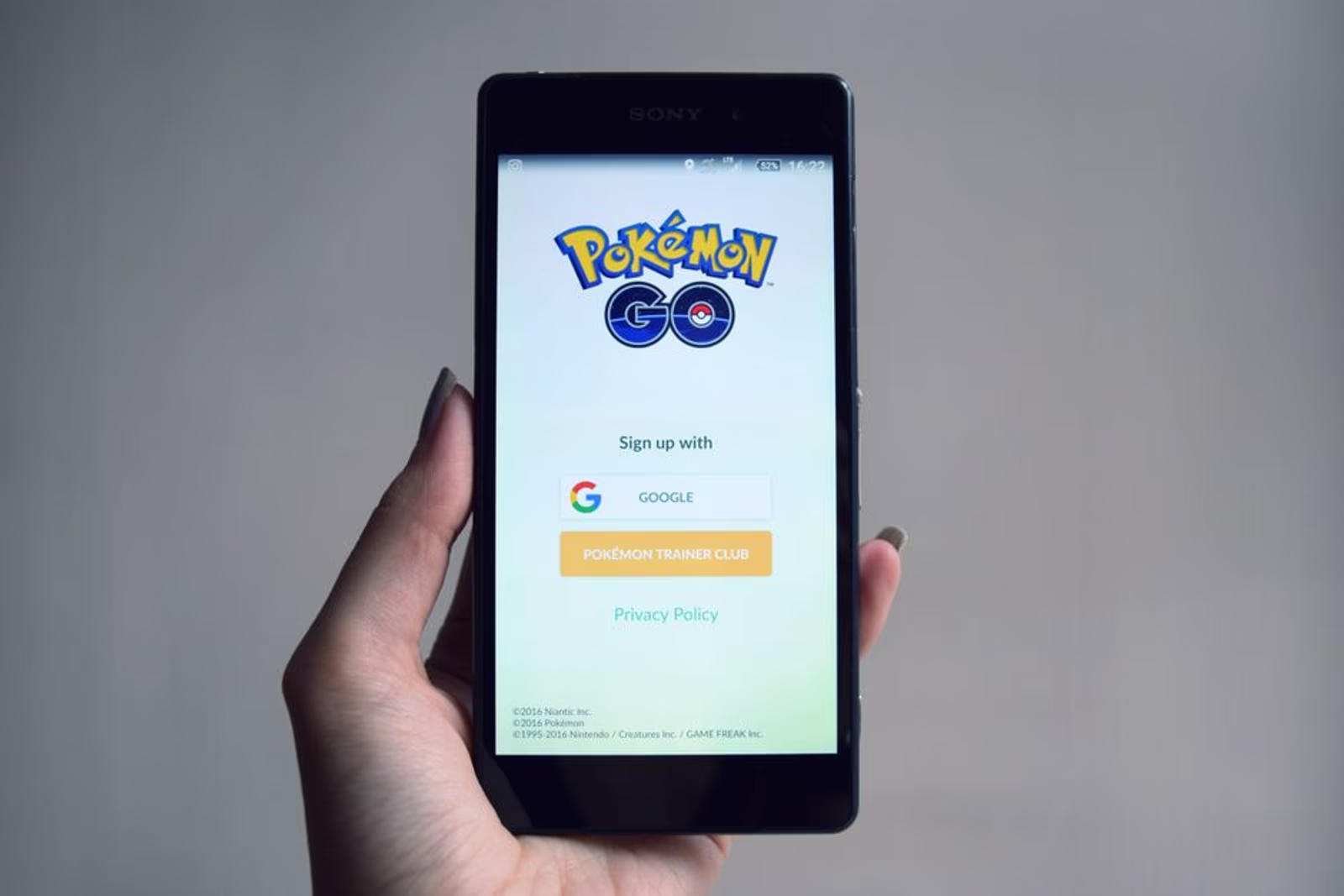
Gaming is the most competitive category in both the Apple App Store and Google Play. There are more games than any other app type, discovery windows are shorter, and players churn faster than almost any other user segment. That combination makes app store optimization for gaming apps a fundamentally different discipline than ASO for a productivity tool or a healthcare portal.
This guide breaks down the keyword logic, visual hierarchy, and metadata decisions that consistently move gaming apps up the rankings — and more importantly, convert browsers into installs.
Why Gaming ASO Is Its Own Discipline
A fitness app or B2B SaaS tool earns installs because it solves a specific, searchable problem. Users type "calorie tracker" or "invoice scanner" and they're done shopping. Gaming is different. Players browse. They tap screenshots before they read a word of metadata. They download on impulse and delete within 48 hours if the first session disappoints.
That behavioral profile changes everything about how you approach app store optimization for a game:
- Visual assets carry more weight than metadata compared to utility apps
- Genre keywords matter more than feature keywords — players search "idle RPG" not "resource management with character progression"
- Ratings velocity and volume influence ranking more acutely because of high install and uninstall rates
- Localization ROI is higher — gaming audiences are global, and markets like Brazil, South Korea, and Germany convert well when assets are localized properly
If you're treating your game's App Store listing the same way you'd treat a SaaS app, you're leaving installs on the table.
Keyword Architecture for Gaming Apps
The genre is your anchor. Before you research anything else, nail down exactly what genre your game occupies — and be precise. "Casual" is not a genre. "Casual merge puzzle" is.
Primary keyword tiers for gaming apps:
| Tier | Examples | Placement |
|---|---|---|
| Genre keywords | "idle RPG," "city builder," "match-3 puzzle" | App name, subtitle |
| Mechanic keywords | "offline RPG," "auto battle," "card strategy" | Subtitle, keyword field |
| Mood/audience keywords | "relaxing puzzle game," "multiplayer shooter iOS" | Keyword field, description |
| Competitive brand-adjacent | Games similar to yours by name style | Keyword field only |
On iOS, your app name gets the heaviest ranking weight — up to 30 characters, and every word in it is indexed. Your subtitle (30 characters) is the second most powerful real estate you have. The separate keyword field (100 characters, comma-separated, no spaces after commas) should contain terms not already in your name or subtitle, because the algorithm combines fields — repeating yourself wastes character budget.
On Google Play, there's no dedicated keyword field. The algorithm indexes your title, short description (80 characters), and long description (4,000 characters). That makes the long description far more important on Play than on iOS. Aim to include your primary genre keyword naturally at least three to five times in the long description without stuffing.
One pattern we see work consistently: lead the long description with a punchy, keyword-rich sentence that doubles as your value proposition. Players who expand the description are already interested — give them confirmation quickly.
Visual Asset Strategy: Screenshots That Sell
Most games lose the install at the screenshot stage. Here's what typically separates listings that convert from ones that don't.
Screenshot frame 1 is a billboard. Approximately 60–70% of users on iOS never scroll past the first two screenshots in search results. Frame 1 needs to communicate genre, mood, and hook — simultaneously — in under two seconds. A dark fantasy RPG should feel immediately dark, epic, and high-production. A cozy farm sim should feel warm and low-stress. If you can't tell the genre from frame 1 with no text, redo it.
Text overlays should be short and benefit-driven, not feature lists. "Build your empire" converts better than "Hundreds of buildings to construct." Players are buying a feeling, not a spec sheet.
Portrait vs. landscape layout matters by genre. Casual, puzzle, and lifestyle-adjacent games should almost always use portrait screenshots — they display larger in search results on iOS. Action, strategy, and simulation games often have landscape-native gameplay, but you can still use portrait-cropped screenshots that show the most visually compelling moments.
Frame 4 and 5 are your social proof and progression frames. By the time a player reaches frame 4, they're interested. This is where you show guild features, leaderboards, character progression arcs, or ratings badges. Don't waste these frames on UI walkthroughs.
If you want a team that handles both the visual production and the keyword architecture behind a gaming app launch, our mobile app marketing services cover ASO end-to-end — from metadata structure to screenshot creative.
Preview Videos: High Risk, High Reward
App preview videos are optional but powerful — with one major caveat. A bad preview video hurts more than no video. iOS auto-plays previews muted in search results, which means your first three seconds of footage have to be visually arresting without sound.
Patterns that work for gaming previews:
- Open on highest-quality gameplay, not a cinematic. Players distrust games that lead with pre-rendered trailers.
- Overlay minimal text in the first three seconds — let the gameplay speak.
- Show the progression loop somewhere in the first 15 seconds: the core action, the reward moment, the next step.
- Keep it under 30 seconds. Drop-off on previews is steep. The conversion lift from a 15-second preview is typically comparable to or better than a 30-second one.
On Google Play, video thumbnails appear as the first "screenshot" slot if you add a YouTube video URL — this means your thumbnail image for that video is the first thing many users see. Treat it with the same care as screenshot frame 1.
Ratings, Reviews, and the Velocity Problem
Gaming apps face a unique ratings challenge: install spikes from paid campaigns can dilute your rating if early cohorts churn before rating, or worse, rate negatively after hitting a paywall. A few things that help:
- Time your in-app rating prompt carefully. Trigger it after a genuine win moment — level completion, boss defeat, first major unlock — not immediately on open. iOS allows you to request a rating via the native
SKStoreReviewAPIprompt three times per 365 days per device. Use those requests intentionally. - Respond to negative reviews publicly. The App Store surfaces your responses, and players (and Apple's algorithm) notice active developer engagement.
- Don't use rating-gating mechanics (requiring a rating before unlocking content). Apple's guidelines prohibit it and Google has followed suit.
For reference, games in the top charts on iOS typically maintain a 4.4+ rating. Dropping below 4.0 has a measurable impact on app store conversion rates that compounds over time.
Localization: Where Gaming ASO ROI Is Highest
Of all app categories, games localize best. The core product — gameplay — is largely language-agnostic. That means localization spend goes almost entirely toward metadata and visual assets, not rebuilding the product.
Markets where localized gaming ASO typically delivers strong returns:
- Brazil (Portuguese) — large mobile gaming market, lower keyword competition than English
- South Korea — high monetization rates; RPG and strategy genres perform especially well
- Germany — strong preference for native-language listings; English-only listings convert poorly
- Japan — extremely high conversion if metadata and screenshots are fully localized; partial localization performs worse than none
Localization isn't just translating your description. Keyword research has to be done independently in each language — direct translations of English genre keywords often have low search volume in other markets. Find the actual terms players in each market use.
If you're building cross-platform with a framework like Flutter or React Native, localization hooks are typically built into the framework from the start, which makes adding new locale strings much cleaner than retrofitting a native codebase.
The Deep Linking Connection
One often-overlooked piece of gaming ASO is how your store listing connects to user acquisition campaigns. If you're running paid install campaigns — Meta ads, TikTok ads, Apple Search Ads — and those campaigns deep-link into specific game content or an onboarding flow, the continuity between your ad creative and your store listing matters enormously.
A player who taps an ad showing a specific character or game mode and lands on a store listing that doesn't visually reference that same content experiences a jarring disconnect. Screenshot order and preview video content should be considered as part of your paid acquisition creative strategy, not separately. For a deeper look at how deep linking fits into the overall acquisition funnel, this guide to deep linking and strategic marketing covers the mechanics in detail.
FAQ
How often should I update my gaming app's ASO?
Metadata should be reviewed at minimum quarterly, or whenever you ship a major content update. Screenshot creative and preview videos should be A/B tested continuously — Apple allows product page optimization natively in App Store Connect, and Google Play has built-in experiment tools. Treat your store listing as a live asset, not a one-time setup.
Does the Apple App Store or Google Play rank gaming apps differently?
Yes, meaningfully. iOS weights app name and subtitle heavily, uses a separate keyword field, and indexes category rankings by device type. Google Play indexes the full long description, gives more weight to reviews and install velocity, and factors in Android vitals (crash rate, ANR rate) as ranking signals. A good ASO strategy is platform-specific, not copy-pasted between the two.
How important are screenshots vs. keywords for gaming app conversion?
For gaming specifically, visual assets typically drive more conversion lift than metadata optimization. That said, ranking without metadata is nearly impossible — you need strong keywords to surface in search, and strong visuals to convert the browse traffic. Both matter; neither alone is enough.
Can I use competitor game names as keywords?
On iOS, competitor app names in the keyword field are technically possible but Apple's review guidelines can flag direct brand name usage. On Google Play, the same principle applies. Brand-adjacent or genre-descriptive terms that overlap with competitor identities are lower risk than exact trademark matches. When in doubt, focus on genre and mechanic keywords — they have durable search volume without the policy risk.
How many screenshots should I include?
iOS allows up to 10 screenshots per device size; Google Play allows up to 8. In practice, 5–7 screenshots tends to be the sweet spot for gaming apps — enough to tell a complete visual story without padding with weak frames that dilute the overall impression. Every screenshot you include should earn its place.
Does app preview video length affect conversion?
Generally, shorter previews outperform longer ones for gaming apps. A 15–20 second video that opens strong and shows the core gameplay loop typically converts comparably to or better than a 30-second video. Users who are on the fence make up their minds quickly — don't spend the extra 15 seconds recapping information they've already processed.
Gaming app ASO done right isn't a launch task — it's an ongoing discipline that compounds. Strong keyword architecture gets you into search results. Compelling visuals convert the browse. Review velocity keeps you in the rankings. And localization multiplies your reach without multiplying your product cost.
If you're ready to build a store presence that actually drives installs, our mobile app marketing team handles the full stack — keyword research, creative production, A/B testing, and ongoing optimization. Book a 30-minute call and we'll take a look at where your listing is losing conversions.





