



ASO for Wearable and Cross-Device Apps: Keyword Patterns That Work
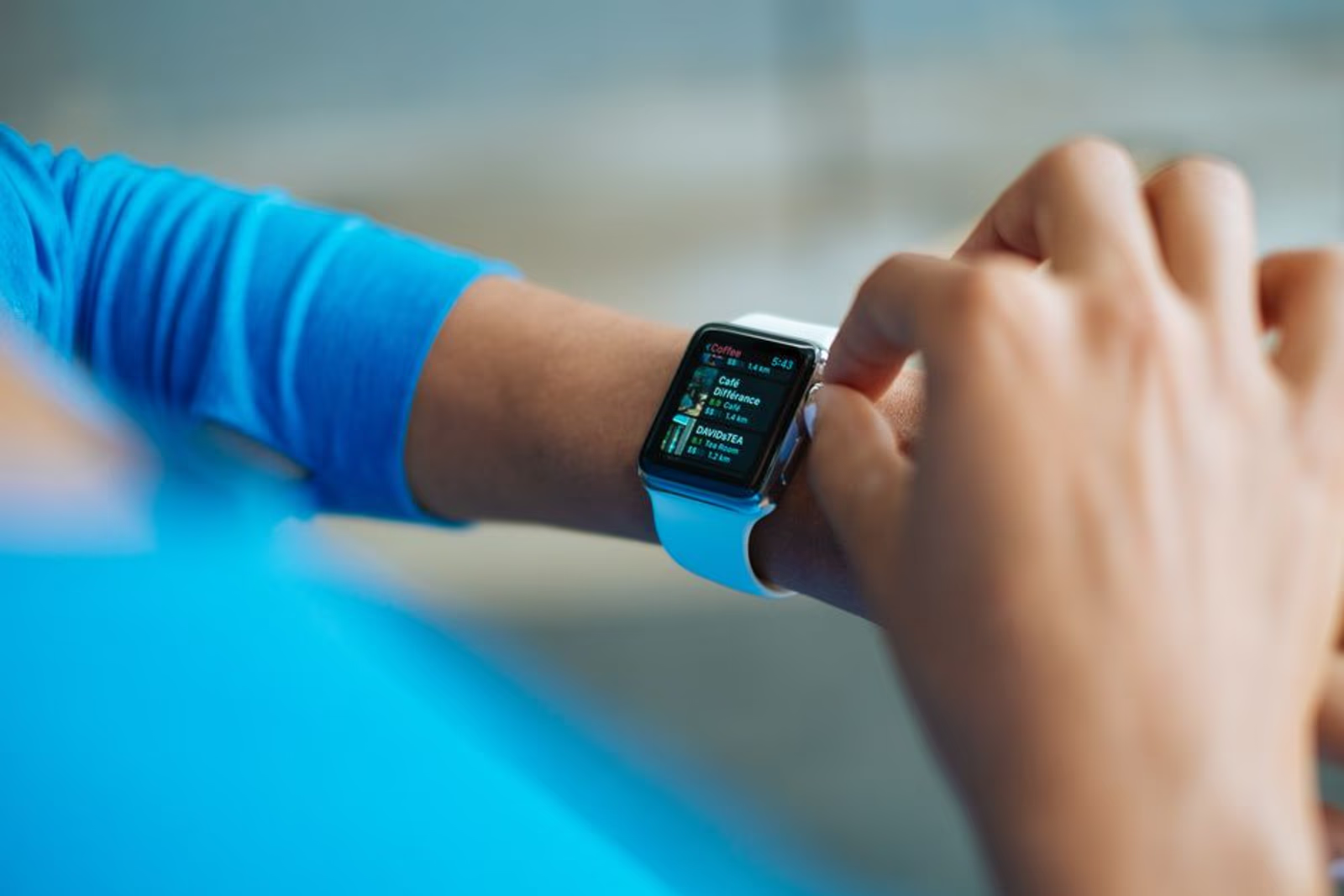
Wearable apps occupy a strange corner of the App Store ecosystem. They're companion experiences — almost never installed in isolation — yet the App Store treats them like any other app when it comes to ranking, keyword indexing, and conversion. That mismatch creates both a problem and an opportunity.
If you're running app keyword optimization for a watchOS extension, a WearOS companion, or any app that lives across two or more device surfaces, the standard playbook leaves serious gaps. Title formulas built for standalone apps, screenshots designed for a single screen size, and keyword fields stuffed with generic category terms won't cut it.
This guide covers the specific patterns that work — keyword architecture, metadata structure, and cross-device considerations that most ASO guides skip entirely.
Why Wearable ASO Is Structurally Different
The core issue is search intent fragmentation. When someone searches for a fitness app, they might want a watch app that tracks workouts autonomously, a phone app with deep analytics, or both in an integrated package. Their search query rarely signals which surface they care about most.
Apple and Google both index the primary listing — the phone app — to represent the entire cross-device bundle. The watchOS app doesn't get its own separate App Store listing. The WearOS companion app typically doesn't either. That means all your keyword real estate has to serve multiple audiences simultaneously.
This creates three practical constraints:
- Your title and subtitle have to work for every surface your app runs on, without becoming a keyword salad.
- Screenshots need to communicate the cross-device value proposition — users need to understand they're getting watch functionality from what looks like a phone listing.
- Keyword field choices can't default to the obvious category terms — those slots are wasted on words already covered by your title or competing with apps that are pure-play on a single device.
Keyword Patterns That Drive Discovery in This Category
After working across fitness, healthcare, and logistics apps that span multiple platforms, a few patterns consistently outperform generic category keywords.
Surface-Qualified Modifiers
Appending device-surface modifiers to category keywords is the simplest upgrade. Instead of targeting "workout tracker" (competitive, generic), target "workout tracker for Apple Watch" or "Apple Watch workout tracker." The search volume is lower, but the user is already intent-matched — they know they want a watch experience.
Useful modifier groups:
- Device-surface: Apple Watch, Galaxy Watch, Wear OS, WatchOS, smartwatch, wearable
- Autonomy signals: standalone, without phone, offline
- Sync signals: syncs with iPhone, auto-sync, cross-device, companion app
Workflow-Based Keywords
Wearable users are often doing something physical — running, lifting, at a medical appointment, driving. They're not going to open their phone. Keywords that describe the activity context rather than the app category perform well here because they match how users think when they search.
Examples by category:
| Category | Generic Keyword | Workflow-Based Alternative |
|---|---|---|
| Fitness | workout tracker | run tracking without phone |
| Health | heart rate monitor | continuous heart rate watch |
| Logistics | delivery tracker | driver check-in smartwatch |
| Sleep | sleep tracker | automatic sleep detection watch |
| Productivity | task manager | quick capture Apple Watch |
The workflow-based column is longer, more specific, and typically faces less competition. These are better keyword field targets precisely because they won't appear in your title or subtitle naturally.
Pairing Keywords With Companion App Intent
Some users search specifically for the companion experience. They already have a wearable device and are looking for apps that extend it. Keyword patterns like "Apple Watch app for [category]" or "WearOS app for [category]" capture this intent directly.
In our engagements with cross-device apps, this modifier pattern tends to surface the app to users who are further along in their decision — they've already bought the hardware, they're actively stocking their device. Conversion rates from these queries are typically stronger than broad category terms.
Metadata Architecture for Multi-Surface Apps
Title and Subtitle Strategy
Your app title is the highest-weighted metadata field. For cross-device apps, the challenge is that the primary value proposition might live on the watch, but the listing lives on the phone. Don't pretend the phone experience is the main event if it isn't — users who install expecting a rich phone app and find a thin companion UI will churn and leave a negative review.
Recommended pattern: Lead with the core function, follow with the primary device surface if it's the differentiator.
Cerebyte: Brain Audio & Wellness— works because the function is device-agnosticPaceRun: Apple Watch Running Tracker— explicitly signals the primary surface
The subtitle (30 characters on iOS, displayed prominently in search results) should cover the secondary surface or the sync story: "iPhone + Apple Watch tracking" or "Watch-first, syncs to iPhone."
Keyword Field Discipline
The iOS keyword field gives you 100 characters. Every character counts. Rules that apply especially hard for cross-device apps:
- Don't repeat words that appear in your title or developer name — Apple already indexes those
- Don't waste slots on your category name if your title already contains it
- Use commas without spaces to maximize character count
- Prioritize surface-qualified and workflow-based terms over generic category terms
A structured approach: allocate roughly one-third of the keyword field to surface modifiers, one-third to workflow-based terms, and one-third to secondary features or use-case qualifiers.
Description Copy for Cross-Device Conversion
The description doesn't directly influence keyword rankings on iOS (Google Play is different — it indexes description copy). But it heavily influences conversion once someone lands on your listing.
For cross-device apps, the description needs to answer three questions in the first two sentences:
- What does the app do?
- Which devices does it run on?
- What's the core value of the cross-device experience?
Users who land on a wearable companion app listing and can't immediately answer those questions will bounce. Lead with the watch functionality if that's the differentiator, not with generic category positioning.
Screenshot and Preview Strategy
Screenshots are the most underused lever in ASO for cross-device apps. Most teams submit five phone screenshots and call it done. This leaves the watch experience invisible to anyone browsing the listing.
Apple supports Apple Watch screenshots separately — they display when a user views the app on their Watch or on a device with WatchOS context. Submit them. They're indexed separately and they speak directly to watch-first users.
For the phone screenshot set, at least one frame should communicate the cross-device sync story. A split-screen or device pairing visual — phone on the left, watch on the right — makes the companion relationship immediately obvious. This one change, in our experience, reduces confusion in reviews about missing features ("I thought this worked on my watch").
Google Play Differences Worth Knowing
WearOS companion apps on Google Play have slightly more flexibility. Google indexes the full description text for keyword ranking, which means keyword placement in the description copy matters directly — unlike iOS.
Key differences to account for:
| Element | iOS App Store | Google Play |
|---|---|---|
| Description indexed for keywords | No | Yes |
| Wearable-specific listing section | No (merged) | Partial (Wear OS badge) |
| Keyword field | 100-character field | Not available |
| Short description | No | 80 characters, indexed |
For Google Play, the short description field is prime real estate. Use it to communicate both the core function and the Wear OS surface explicitly. The first paragraph of the full description should contain your primary keyword cluster — surface-qualified terms first, workflow-based terms within the first 167 words.
If you're building cross-platform ASO from scratch, you might find our guide on deep linking and strategic marketing useful — deep linking strategy intersects directly with how you route users between phone and watch surfaces.
Common Mistakes to Avoid
Treating the watch extension as a feature, not a surface. If someone searches "Apple Watch [category]," they're looking for a watch experience. If your listing doesn't explicitly communicate watch support in the title, subtitle, or first screenshot, you're invisible to that query — even if your app has full watch support.
Splitting keyword strategy across companion app listings. Some teams publish the WearOS or watchOS companion as a separate listing and try to optimize each independently. This fragments your ratings, splits your review count, and creates a confusing discovery experience. Unless the companion app is genuinely standalone with a distinct audience, keep it bundled.
Ignoring ratings from the watch experience specifically. Wearable users leave reviews that describe watch-specific bugs or limitations. A pattern of watch-related negative reviews will suppress conversion even when keyword rankings are strong. Monitor review content segmented by device surface.
Keyword stuffing the category name. "Fitness tracker workout app health tracker exercise monitor" in the keyword field wastes slots on terms you're already competing against in the category browse, with apps that have more downloads and reviews anchored there. Go specific.
FAQ
Does Apple index keywords from the watchOS app bundle separately?
No. The watchOS extension is bundled with the primary iOS app listing. All keyword indexing happens through the primary listing's metadata — title, subtitle, keyword field, and in-app purchase names. Your watch-specific keywords need to live in those fields.
Should I mention "Apple Watch" in my app title?
If the watch experience is the primary differentiator or value proposition, yes — it's worth spending title characters on it. If the watch support is supplementary to a strong phone experience, put it in the subtitle instead. The title has more ranking weight, but only the subtitle is long enough to carry modifiers without crowding your app name.
How do I handle keyword optimization for both iOS and Android wearable audiences?
Treat them as separate metadata projects. iOS requires a 100-character keyword field with no description indexing. Google Play requires keyword placement in the short description and full description copy, with no dedicated keyword field. Build two keyword sets and optimize each platform's metadata fields independently.
Does localizing ASO metadata help for wearable apps?
Yes, and it helps more than for generic apps. Wearable device adoption patterns vary significantly by market — smartwatch penetration in some markets skews toward specific brands that might not dominate in the US. Localized keyword research should account for which wearable platforms are dominant in each target market, not just translate existing English keywords.
How important are app preview videos for cross-device listings?
More important than for single-surface apps. A 15–30 second preview that shows the watch interface syncing with the phone removes the core uncertainty users have about cross-device apps: "Will this actually work on my watch?" Video converts this skepticism faster than screenshots alone.
What's the right keyword refresh cadence for a wearable app?
Approximately every 60–90 days is a reasonable baseline. New device launches (Apple Watch Series releases, new Wear OS hardware) create short-term search spikes around device-specific terms. Monitor search trends around major hardware announcement cycles and be ready to update the keyword field within days of a new release.
Cross-device ASO is one of the higher-leverage areas of app keyword optimization that most teams under-invest in. The audience is qualified, the competition on surface-specific terms is lower than generic category keywords, and the metadata levers are clearly defined — most teams just don't use them deliberately.
If you want an expert set of eyes on your wearable or cross-device app's ASO metadata, the Semnexus mobile app marketing team works through exactly this kind of keyword architecture regularly. Or if you'd rather talk through your specific situation first, book a 30-minute call and we'll get into the details.





