



ASO Keyword Indexing: How Apple and Google Decide What You Rank For
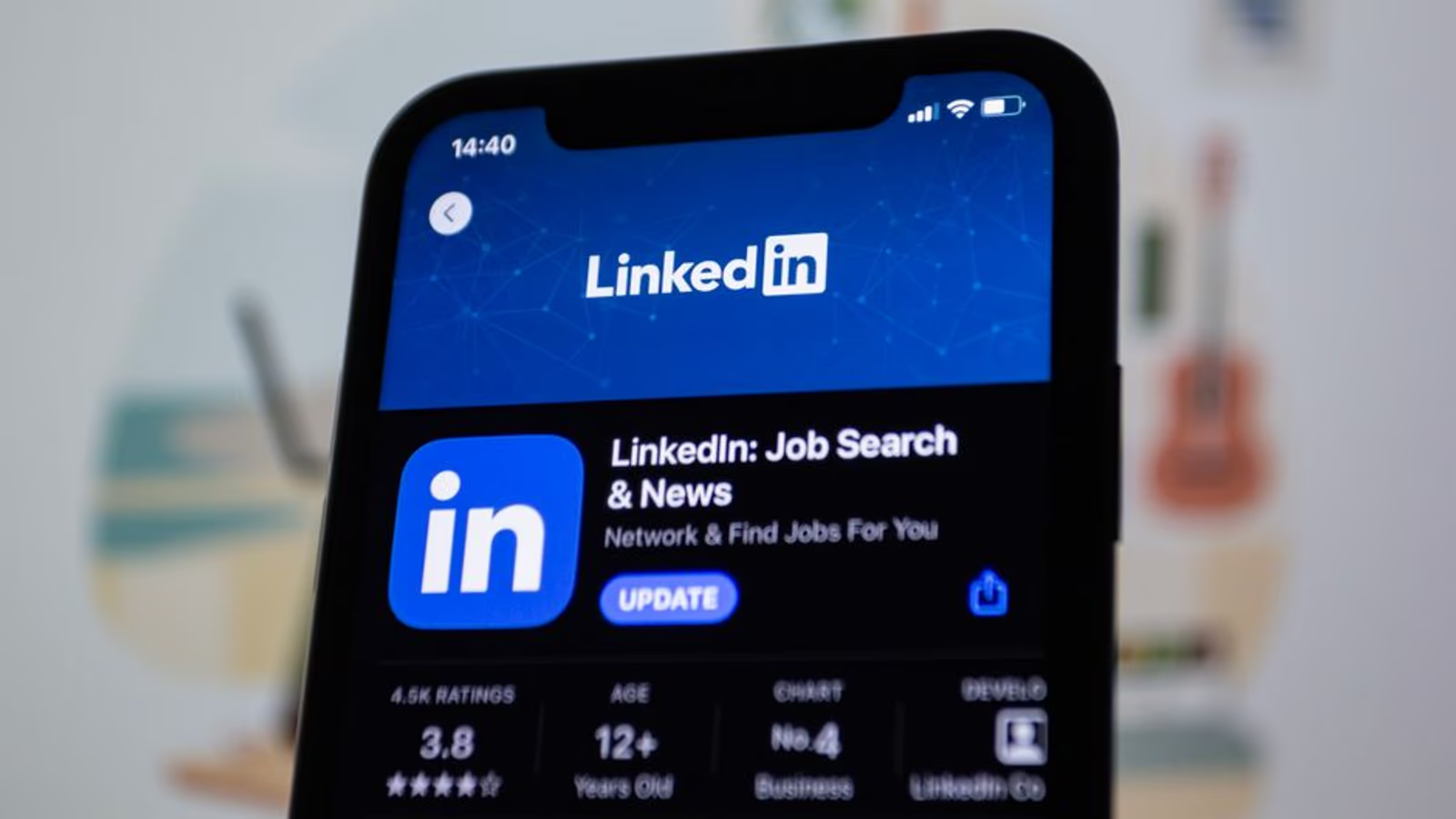
Most founders treat their app store listing like a product description. That's the wrong mental model. Your listing is an indexing document — and the algorithm decides what you rank for based on which fields it reads, in what order, with what weight. Get the structure wrong and you can write brilliant copy that never surfaces in search.
Apple and Google index very differently. They read different fields, apply different weights, and respond to different optimization signals. Understanding the mechanics is the prerequisite for everything else in app keyword optimization.
What "Indexing" Actually Means in the App Stores
When you submit or update an app, the App Store and Google Play crawl your metadata and build an internal index that maps search queries to apps. A user types "calorie tracker" and the store returns results ranked by relevance (how well the metadata matches) plus authority signals (ratings, download velocity, engagement, and retention patterns).
You can't directly see your index. You infer it by checking which keywords trigger impressions in App Store Connect or Google Play Console, and by running manual searches to see where you surface. The keyword field, the title, the subtitle — they don't just influence your ranking. They determine whether you're indexed for a term at all.
If your app isn't indexed for a keyword, no amount of conversion optimization will earn you installs on that term. Indexing comes first.
Apple App Store: The Fields That Count
Apple indexes a defined set of text fields. Knowing which ones are included — and which are not — is the foundation of any iOS app store optimization strategy.
| Field | Character limit | Indexed? | Notes |
|---|---|---|---|
| App Name | 30 | ✅ Yes | Highest weight in the algorithm |
| Subtitle | 30 | ✅ Yes | Second highest weight; often underused |
| Keyword Field | 100 | ✅ Yes | Not visible to users; no spaces after commas |
| Promotional Text | 170 | ❌ No | Changeable without a new version; marketing only |
| Description | 4,000 | ❌ No | Not indexed by Apple's algorithm |
| Developer Name | — | ✅ Yes | Worth including a relevant term if your brand allows |
| In-App Purchase Names | 30 each | ✅ Yes | Often overlooked; each IAP name is indexed |
The single biggest mistake iOS teams make: stuffing the description with keywords and ignoring the keyword field. Apple doesn't read the description for indexing purposes. Your 4,000-character description is a conversion asset, not a ranking signal. Write it for the human who's already interested, not for the algorithm.
The keyword field is your only 100 characters of pure indexing real estate. Use it without spaces after commas (commas separate terms, spaces waste characters). Don't repeat words that already appear in your title or subtitle — Apple deduplicates across fields. If your title says "Habit Tracker," you don't need "habit" or "tracker" in the keyword field. Use those 100 characters for incremental terms.
In-app purchase names are indexed and frequently ignored. If you have subscriptions or premium feature tiers, name them with intent. "Premium Plan" wastes the field. "Premium Workout Plan – Strength & HIIT" captures multiple keyword surfaces.
Google Play: A Wider Net, Different Priorities
Google's indexing model is broader and, in some ways, more forgiving — but it has its own quirks.
| Field | Character limit | Indexed? | Notes |
|---|---|---|---|
| App Title | 30 | ✅ Yes | Highest ranking weight |
| Short Description | 80 | ✅ Yes | Fully indexed; often the second-most important field |
| Long Description | 4,000 | ✅ Yes | Indexed, but keyword density matters — don't stuff |
| Developer Name | — | ✅ Yes | Weighted less than title/short description |
| In-App Products | varies | ⚠️ Partial | Less consistently indexed than on iOS |
The critical difference: Google Play indexes your long description. This changes the copywriting calculus entirely. You want your top three to five target keywords to appear naturally in the description, ideally in the first 167 characters (the visible "above the fold" section before the "read more" truncation) and distributed two to three times throughout the full text.
Google's algorithm is also more sophisticated at semantic matching than Apple's. It can understand that "calorie counter" and "food diary" are related concepts and may index your app for both even if you only explicitly use one. That doesn't mean you skip direct keyword inclusion — it means you don't need to write awkward, repetitive copy to capture every variant. Write naturally, be specific, and hit your core terms at reasonable density.
One thing Google does that Apple doesn't: it considers external signals. Backlinks to your app's Play Store page, web mentions of your app name, and even your website's authority can influence Play rankings. This is where traditional SEO thinking starts to overlap with ASO. If you're doing any link-building or local search work, those efforts can have a spillover effect on your Play Store visibility.
The Overlap: What Both Algorithms Agree On
Despite their differences, Apple and Google share a set of signals that influence ranking on both platforms:
- App title — the single most weighted text field on both stores. Don't bury your primary keyword.
- Ratings and reviews — volume and recency both matter. An app with 500 four-star ratings outranks an app with 50 five-star ratings in most competitive categories.
- Download velocity — a sudden spike in installs signals relevance. This is why launch campaigns matter for long-term organic positioning, not just early revenue.
- Uninstall and retention signals — both platforms track retention patterns. An app that users install and immediately delete loses ranking ground over time.
- Conversion rate — impressions that don't convert to downloads are a weak signal. If users search for your keyword and skip your listing, the algorithm interprets your app as a poor match.
The last point matters more than most teams realize. App keyword optimization isn't just about getting indexed — it's about matching the query intent well enough that users actually tap install. If you're ranking for a term that doesn't match what your app does, your conversion rate tanks and your ranking follows.
Running paid user acquisition while your ASO is broken is expensive. Our mobile app marketing team audits both organic and paid surfaces before spending a dollar on installs.
Keyword Research: How to Find Terms Worth Optimizing For
The indexing fields have hard character limits. Every character is a decision. Here's how to prioritize which keywords to target.
Start with competitor titles and subtitles. The terms your top competitors put in their 30-character title field are the terms they believe are highest-value. They've already done some of the research — read their metadata.
Use App Store Connect's Search Results impression data. After a few weeks of live data, you'll see which queries are already triggering impressions. If you're getting impressions but low conversion on a term, it might be a mismatch. If you're not appearing at all for a term you care about, you likely aren't indexed for it.
Map keywords to field priority. Your single most important keyword belongs in your title. Your second and third priority keywords belong in the subtitle (iOS) or short description (Android). Your keyword field (iOS) handles the supporting terms.
Don't optimize for a keyword you can't rank for yet. If you have 50 ratings and no reviews and you're going after "meditation app" — a term dominated by Calm and Headspace — your traffic will be zero. Build authority in narrower terms first. "Meditation app for anxiety" or "sleep meditation for adults" are real queries with less entrenched competition.
Common Indexing Mistakes That Kill Organic Reach
These are the patterns we see most often when auditing apps that aren't getting organic traction:
- Duplicate keywords across title, subtitle, and keyword field. Every repeated term is wasted indexing budget.
- Keyword field with spaces after commas.
yoga,fitness,meditationcaptures three terms.yoga, fitness, meditationcaptures two and wastes two characters. - Description written for the algorithm on iOS. Apple doesn't read it for ranking. You're boring users and gaining nothing.
- Short description treated as a tagline on Android. Those 80 characters are your second-most powerful ranking field on Google Play. Use them for keyword-rich copy, not just brand voice.
- Ignoring in-app purchase names on iOS. Each IAP gets 30 characters of indexed text. A four-tier subscription model gives you 120 additional indexed characters most teams waste on generic plan names.
- Never updating metadata. Both stores reward apps that are actively maintained. A metadata update signals activity. Quarterly keyword reviews — adjusting based on Search Results data — keep your index fresh.
Understanding how ASO connects to broader discoverability is also worth your time — the same structured thinking that applies to deep linking strategy applies to keyword architecture: where a user lands matters as much as whether they find you at all.
FAQ
Does Apple index the description field at all?
No. Apple's algorithm does not index the long description for keyword ranking. The description is a conversion tool — it influences whether a user who's already viewing your listing decides to install. Write it for that reader, not for the algorithm.
How often should I update my keyword field on iOS?
Typically every 60 to 90 days, aligned with a version update. Apple re-indexes your metadata when you push a new build. Between versions, you can update promotional text (not indexed) without triggering re-indexing. Some teams run updates with every minor version; in our engagements, quarterly is usually enough to incorporate new data from App Store Connect.
Can I use the same keyword in both the title and the keyword field?
You can, but it wastes characters. Apple deduplicates across fields — if a term appears in your title, including it in the keyword field doesn't increase your ranking for that term. Use the keyword field for incremental terms not covered elsewhere.
Does Google Play use external links as a ranking signal?
It does, to a degree. Backlinks pointing to your Play Store listing and web authority signals related to your app name can influence Play Store rankings. This is less impactful than the on-page fields, but meaningful for competitive categories where apps have similar metadata quality.
What's the most important single change I can make to improve indexing?
Put your primary keyword in your app title — both platforms. Title weight is the highest of any text field on Apple and Google. If your app name doesn't include the category term users search for, you're competing at a significant structural disadvantage.
How do I know if my app is indexed for a keyword?
Run the search manually in the store and look for your app in results. For more systematic tracking, use App Store Connect's Acquisition > App Store Search report, which shows which queries generated impressions. On Google Play, the Play Console's store listing performance section provides similar data. Third-party tools like AppFollow, Sensor Tower, or data.ai can supplement with rank tracking.
If your metadata hasn't been audited recently, you're almost certainly indexed for fewer terms than you could be — and ranked lower on the ones you do appear for. The fixes are usually mechanical and fast to implement once you know what to look for.
Our mobile app marketing team runs ASO audits as part of every growth engagement — covering keyword architecture, competitive gaps, and conversion rate on the listing itself. If you want to walk through your specific app, book a 30-minute call and we'll look at it together.





