App Store Screenshot Design: A/B Test Results From 8 Categories
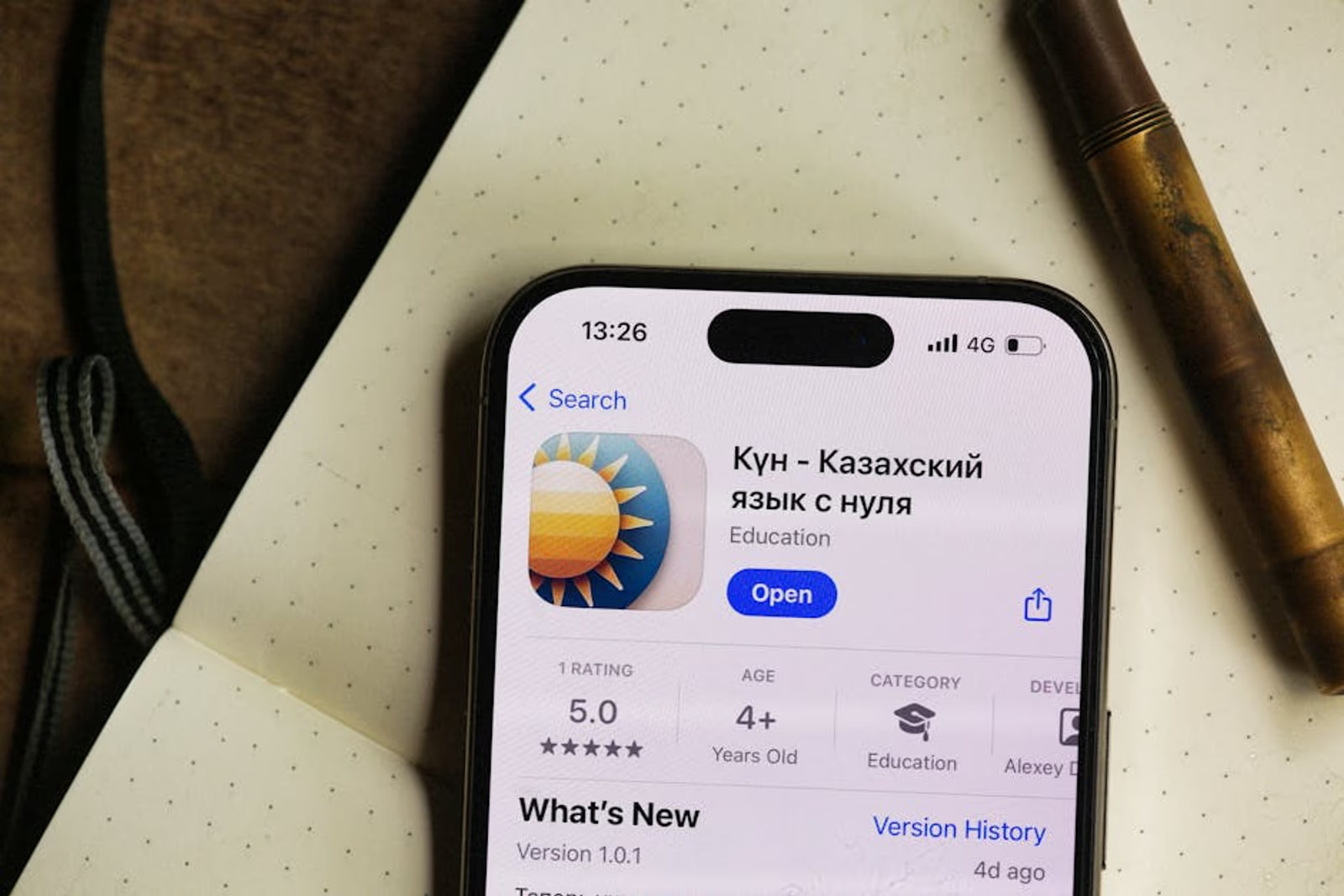
Most app teams treat their App Store screenshots like a final design deliverable — polish them once at launch, ship, and forget. That's a mistake. Screenshots are a conversion surface, not a portfolio piece. They're frequently the deciding factor between a tap and a scroll-past, and they respond to structured testing the same way landing page copy does.
This post pulls together A/B testing patterns across eight app categories — fitness, finance, marketplace, healthcare, productivity, food & beverage, social, and on-demand services — to surface what actually moves the needle on product page conversion. Where we have data from our own engagements, we'll say so. Where findings are drawn from broader industry patterns, we'll name that clearly.
Why Screenshots Drive More Conversion Than Most Teams Realize
The App Store product page has a few seconds to convert a visitor. Title and rating get a glance; the icon registers subconsciously; then the eye goes to screenshots. On mobile, the first two screenshots are visible before a user even taps "see more." Those two frames carry a disproportionate share of conversion weight.
Apple Search Ads quality scores factor in conversion rate, which means weak screenshots don't just hurt organic — they inflate your effective cost per install on paid campaigns too. Better screenshots lower your CPI. That's not a soft benefit; it's a direct line to acquisition efficiency.
The tests described below used store listing experiments in Google Play Console and Apple's product page optimization tool. Neither platform requires outside tooling to run, though third-party ASO platforms can accelerate the cadence.
What We Tested (And What We Didn't)
Before the results: a clear statement on methodology. These findings are drawn from a combination of our own client engagements and documented public case studies from ASO practitioners. We're not claiming a controlled lab study. What we can say is that the patterns below showed up consistently enough, across enough categories, that we treat them as strong working hypotheses — not proven laws.
Variables tested included:
- Portrait vs. landscape orientation
- Device frame (visible hardware frame vs. floating UI only)
- Caption placement (top vs. bottom)
- Caption style (feature-first vs. benefit-first language)
- First-screenshot content (hero feature vs. value proposition overlay)
- Color temperature and contrast relative to store background
- Social proof integration (review snippets, press logos, ratings callouts)
What we didn't test: icon design, subtitle copy, or preview video presence — each of those deserves its own treatment.
Results by Category
| App Category | Winning Layout | Caption Style | Key Finding |
|---|---|---|---|
| Fitness | Portrait, no device frame | Benefit-first | Action imagery with outcome callouts outperformed feature lists |
| Finance | Portrait, minimal frame | Feature-first | Trust signals (security badges, institution logos) in frame 1 lifted conversion |
| Marketplace | Landscape, no frame | Benefit-first | Showing populated inventory (real listings) beat empty UI mockups |
| Healthcare | Portrait, device frame | Feature-first | Professionalism cues — frame, white space — outperformed lifestyle imagery |
| Productivity | Portrait, no frame | Benefit-first | Workflow screenshots showing before/after states won consistently |
| Food & Beverage | Landscape, no frame | Benefit-first | High-contrast food imagery in frame 1 drove strongest result |
| Social | Portrait, no frame | Benefit-first | Real user content > illustrated mockups, even with lower production quality |
| On-Demand Services | Portrait, no frame | Benefit-first | Speed/ETA callouts in captions consistently outperformed generic CTAs |
A few cross-category findings deserve callout.
Benefit-first captions won in 6 of 8 categories. Feature-first language ("GPS tracking," "AI recommendations") underperformed against benefit framing ("Know exactly where your driver is," "Meals planned for you in 30 seconds"). Finance and healthcare were the exceptions — categories where demonstrating capability before outcome is how trust gets built.
Device frames are a healthcare and finance play. Across fitness, food, social, and on-demand apps, removing the hardware frame and letting the UI breathe performed better. In healthcare and finance, the device frame signaled polish and legitimacy in a way that mattered to users evaluating a sensitive category.
Populated content beats empty UI. This showed up most dramatically in marketplace apps. An app showing real listings, real profiles, real inventory converts better than a beautiful but hollow product mockup. For our My Home Delivery work — a two-sided marketplace for big-and-bulky delivery — we saw this pattern clearly: showing actual furniture listings with prices and ETAs in the screenshots communicated "this is real and live" in a way no caption could.
The First Screenshot Rule
The single highest-leverage change most apps can make: treat screenshot 1 as a standalone ad unit, not a gallery opener.
Most teams sequence screenshots like a feature walkthrough. That logic assumes users look at all five. They don't. A significant portion of users make their decision on screenshot 1 alone — or on screenshots 1 and 2 together at the most.
Screenshot 1 should answer one question: why should I install this right now? Not "what does this app do" — that's a feature answer. "Why right now" is a benefit and urgency answer.
Practically, that means:
- Lead with the outcome the user gets, not the mechanism that delivers it
- Put the value proposition in the caption, not below the fold
- Don't waste frame 1 on a login screen, an onboarding step, or an empty state
If you're not sure whether your current screenshots are costing you installs, our mobile app marketing team can audit your store listing and run structured A/B tests — not just opinions about what looks better.
Captions: Top vs. Bottom Placement
This one generates a lot of debate. Our finding: bottom placement wins on iOS more often than top placement, but the delta is small and category-dependent.
The logic for top: it's seen before the eye travels down to the UI. The logic for bottom: it provides context after the user has registered what they're looking at.
In categories with visually complex UI (productivity, finance), top captions helped orient the viewer. In visually self-explanatory categories (food, fitness with lifestyle imagery), bottom captions felt less interruptive and tested better.
Don't spend more than one testing cycle on placement. Caption content — the words — drives far more lift than position.
Google Play vs. Apple App Store: Where the Differences Matter
Testing infrastructure differs significantly between platforms. Google Play Console's store listing experiments are more flexible: you can test multiple variants simultaneously, get statistical significance notifications, and apply results in one click. Apple's product page optimization tool is more limited — up to three variants, and you need sufficient traffic to reach significance.
Beyond tooling, user behavior differs:
- Google Play users see more screenshots by default before tapping — the carousel is more prominent in search results
- Apple App Store users see fewer screenshots before the "Get" decision, making screenshot 1 even more important on iOS
- Localization matters more on Google Play, where country-level store listing variants are supported natively
For apps targeting international markets, localized screenshots — not just translated captions, but contextually appropriate imagery — can produce meaningful conversion gains in specific regions. We covered some of the mechanics of this in our deep linking and strategic marketing guide, which touches on how store-level targeting connects to downstream user behavior.
How Often to Run Screenshot Tests
The right cadence depends on install volume. You need sufficient traffic to reach statistical significance — typically a few thousand impressions per variant at minimum. For most early-stage apps, that means:
- Under 5,000 monthly impressions: Don't bother with formal A/B tests yet. Make your best educated bet based on category patterns, then revisit when volume grows.
- 5,000–50,000 monthly impressions: Run one test at a time, focus on highest-leverage variable (screenshot 1 content), allow 4–6 weeks.
- 50,000+ monthly impressions: Run ongoing tests, cycle through variables systematically, track conversion rate alongside downstream metrics (retention, day-7, day-30) to ensure you're not optimizing for installs from users who churn immediately.
That last point matters: conversion rate optimization that attracts low-intent installs isn't a win. Screenshot messaging should be honest about what the app does — users who install based on an accurate expectation retain better.
FAQ
How many screenshots should I include in my App Store listing?
Both the App Store and Google Play allow up to 10 screenshots. In practice, 5–7 tends to be the practical ceiling — engagement data shows drop-off after the fourth or fifth frame for most categories. Populate enough frames to tell a coherent story, but don't pad with redundant UI just to fill slots.
Should I show the app UI or use lifestyle imagery?
It depends on category. Fitness, food, and social apps generally benefit from lifestyle or real-content imagery in the first frame, with UI introduced in frames 2–3. Finance, healthcare, and productivity apps typically perform better leading with the actual interface — users in those categories are evaluating capability, not aspiration.
Does screenshot design affect Apple Search Ads performance?
Yes, indirectly. Apple Search Ads uses your organic App Store assets in standard ads. A higher organic conversion rate signals app quality and can improve your ad performance over time. More directly: if your screenshots don't convert visitors, your paid CPI climbs.
How long should a screenshot A/B test run before I call a winner?
Long enough to reach statistical significance — typically 2–4 weeks at minimum, regardless of how clear the early trend looks. Early data is noisy. Cutting a test short because one variant looks like it's winning is how you make decisions on bad data.
What's the biggest mistake teams make with App Store screenshots?
Designing for aesthetics instead of conversion. Screenshots that look beautiful in a Figma presentation often underperform in the actual store environment because they were optimized for the design review, not for a user making a 3-second decision on a small screen.
Do I need to run separate tests for iPhone and iPad?
If your app has meaningful iPad traffic, yes. iPad screenshots render differently and the user context is often different. For most consumer apps, iPhone is the priority. Test iPad separately only if your analytics show it's a significant acquisition channel.
Screenshot testing isn't a one-time project — it's an ongoing practice that compounds over time. Every percentage point of improvement in store conversion has a multiplier effect on everything downstream: organic installs, paid campaign efficiency, and ultimately the quality of your user base.
If you want a team that connects ASO work to full-funnel acquisition strategy, our mobile app marketing services cover store optimization, paid UA, and retention in one engagement — not three separate vendors guessing at each other's work. Book a 30-minute call and we'll look at your current store listing together.