Push Notification Timing: What the Data Says About Opt-In Rates
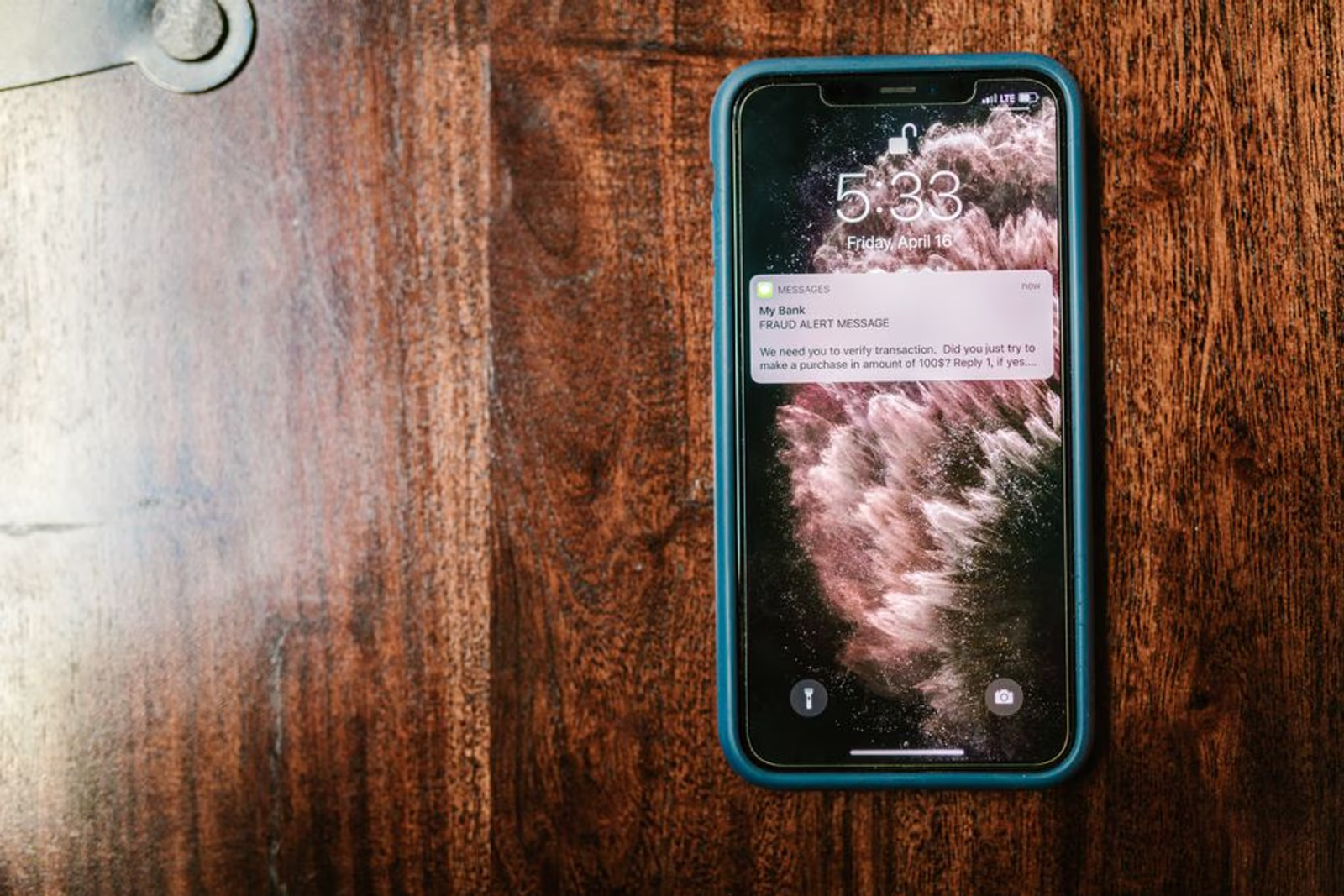
Push notifications are one of the highest-leverage channels in mobile app marketing — when users opt in, you have a direct line to the most valuable real estate on their phone. When they don't, you've lost that channel permanently unless they go hunting through settings. Most of them won't.
The problem is that most apps handle the permission prompt like an afterthought. They show it immediately on first launch, get denied by the majority of users, and then wonder why their retention numbers look so bad three weeks later. The timing and framing of that prompt is not a UX detail. It's a growth decision.
Here's what the data and pattern evidence say about getting it right.
Why the Default Prompt Timing Fails
iOS requires a native system dialog to grant push permissions — you get one shot, and if the user taps "Don't Allow," you can't ask again programmatically. Android 13+ introduced a similar requirement with POST_NOTIFICATIONS. That one-shot nature is exactly why firing the prompt on cold launch is so costly.
Users who open an app for the first time have zero context for why notifications would be valuable. They haven't experienced the product yet. When the prompt appears before they've done anything, the mental model they fall back on is every spam notification they've ever dismissed from every app they've installed. The default answer is no.
In our engagements with apps across fitness, marketplace, and on-demand categories, apps that trigger the native prompt within the first 30 seconds of first launch typically see lower opt-in rates than apps that delay the ask. The category with the worst outcomes is usually utility and productivity apps, where "notify me" has no obvious emotional hook. The category with the best natural opt-in rates is typically transactional — delivery, ride-hailing, anything where notifications are transparently tied to something the user already wants to know.
The Pre-Permission Screen: Your Actual Lever
Because you get one shot at the native dialog, the most important element in your push opt-in strategy isn't the dialog itself — it's the screen you show before it.
A pre-permission screen (sometimes called a "soft ask" or "permission primer") is a custom in-app screen you control entirely. It appears before you trigger the system prompt. Its job is to give users a concrete reason to tap Allow when the real dialog appears. Done well, it can meaningfully improve opt-in rates compared to apps that skip it.
What works in a pre-permission screen:
- One specific benefit, not a list. "We'll let you know when your order ships" outperforms "Get updates, reminders, and personalized tips."
- User-controlled framing. "Want to hear when..." feels less invasive than "Enable notifications."
- Visuals that match the notification. Showing a mock notification UI helps users visualize what they're agreeing to.
What doesn't work: vague benefit statements ("Stay in the loop!"), feature lists, or screens that look like marketing copy. Users pattern-match these as low-value immediately.
Timing by Onboarding Stage
The right moment to ask depends on when the user has experienced enough value to answer "yes" to the implicit question: "Do I trust this app enough to let it interrupt me?"
| Onboarding Stage | Prompt Timing | Recommended? | Notes |
|---|---|---|---|
| Cold launch (pre-onboarding) | First 30 seconds | No | Zero context; expect low opt-in |
| Mid-onboarding (step 2–4 of setup) | After 1 meaningful action | Sometimes | Works if the notification is directly tied to that action |
| Post-first value moment | After first "aha" moment | Yes | User has a reason to stay connected |
| Post-conversion | After account creation or first purchase | Yes (for transactional) | High intent, high relevance |
| Delayed (session 2–3) | Return visit | Yes (for content apps) | User has self-selected as engaged |
For apps with a longer time-to-value — think a fitness app where meaningful progress takes weeks — asking on the second or third session often performs better than asking during initial onboarding. The user has already returned, which is a signal that they see value. That signal correlates with higher opt-in intent.
For transactional apps (delivery, booking, on-demand services), the opposite is often true. Ask immediately after the first conversion action — the user is in a high-attention, high-trust moment and the notification value is completely obvious. In our work on apps like My Home Delivery, where real-time delivery tracking is core to the UX, tying the permission ask to "track your delivery" created a natural opt-in moment.
How App Category Affects Baseline Opt-In Rates
Not all app categories start from the same baseline. Here's a rough framework based on published industry data and what we observe across client projects:
| App Category | Typical Opt-In Range | Primary Driver |
|---|---|---|
| On-demand / Delivery | Higher (often 60–80%+) | Notifications = order status |
| Finance / Banking | Moderate-to-high | Transaction alerts, security |
| Fitness & Health | Moderate (varies widely) | Habit loop reinforcement |
| Social / Community | Moderate | Social proof, reply notifications |
| Gaming | Moderate | Lives, rewards, events |
| Content / News | Lower | Ambient value, less urgency |
| Utility | Lower | Unclear notification benefit |
These aren't fixed ceilings. Framing and timing can move an app up or down meaningfully within its category. An on-demand app with a poorly timed or poorly worded prompt can underperform a fitness app that nails its pre-permission screen.
Want help mapping your onboarding flow to push opt-in timing? Our mobile app marketing services team works through this as part of growth strategy — not as a one-off fix.
What to Do After a "Don't Allow"
iOS doesn't let you re-trigger the native prompt, but you're not out of options. Users can enable notifications manually in Settings, and a well-placed in-app prompt — shown in context of a moment where notifications would clearly help them — can drive a meaningful percentage of initial decliners to flip the switch.
The pattern that works: wait until a user hits a moment in the app where a notification would have helped them. Then surface a custom banner explaining exactly what they missed and linking directly to the app's notification settings via deep link (UIApplication.openSettingsURLString on iOS). Don't make them navigate Settings manually — the drop-off is severe.
This recovery tactic is underused. Most apps treat a declined permission as a permanent loss. Treating it as a deferred conversation recovers a portion of that audience, particularly among users who declined reflexively without reading the prompt.
Notification Content and Opt-Out Rates
Opt-in rate is only half the equation. A user who opts in and then turns notifications off two weeks later — or worse, uninstalls — is a negative signal. What you send after opt-in determines whether the permission is retained.
The fastest path to opt-out is high frequency plus low relevance. Apps that send generic re-engagement blasts ("Come back and check out what's new!") to their entire subscriber list tend to see opt-out spikes. Apps that send behaviorally triggered, contextually relevant notifications retain permission at much higher rates.
Principles that hold up across categories:
- Personalization reduces opt-outs. Even basic personalization (first name, last item viewed, relevant milestone) performs better than broadcast messaging.
- Frequency caps matter. More than one non-transactional notification per day is high risk in most categories.
- Time-of-day relevance. A fitness app sending a workout reminder at 11pm isn't being helpful. Local time-based delivery is table stakes.
If you're thinking through user retention more broadly, our post on 5 app marketing strategies to skyrocket user retention in 2026 covers the surrounding framework — notifications fit inside a larger retention architecture, not as a standalone tactic.
FAQ
When is the best time during onboarding to ask for push notification permission?
After the user has experienced at least one concrete value moment — their first completed action, their first content piece consumed, or their first conversion. For transactional apps, immediately post-purchase or post-booking is typically the highest-intent moment. For content or fitness apps, session 2 or 3 often outperforms initial onboarding.
What is a pre-permission screen and do I need one?
A pre-permission screen is a custom in-app screen you show before triggering the native iOS or Android permission dialog. Because you only get one shot at the native prompt, the pre-permission screen is your opportunity to frame the value and prime the user to tap Allow. For most apps, it's worth building. The exception might be purely transactional apps where the notification value is self-evident.
Can I re-ask for push permission after a user declines on iOS?
Not programmatically — iOS blocks re-triggering the native dialog after a decline. You can, however, show custom in-app prompts that deep-link to the app's Settings page, where users can enable notifications manually. The key is waiting for a contextually relevant moment rather than immediately re-asking after a decline.
How many push notifications should I send per day?
For non-transactional notifications, most categories see opt-out spikes above one per day. Transactional notifications (order updates, appointment reminders, etc.) are more tolerant because users expect and want them. Behavioral triggers — notifications sent in response to a user action or milestone — generally tolerate higher frequency than broadcast messages.
Does notification timing affect uninstall rates?
Yes. Poorly timed or irrelevant notifications are consistently cited in user feedback as a primary reason for uninstalling apps. Opt-out from notifications often precedes uninstall by days or weeks — it's an early warning signal worth tracking separately in your analytics.
How does this differ between iOS and Android?
iOS has historically had lower opt-in rates than Android, partly because iOS's permission model is more explicit (a hard system dialog at the moment of ask). Android 12 and earlier defaulted to opt-in. Android 13+ aligned closer to the iOS model with the POST_NOTIFICATIONS runtime permission. Expect opt-in rates on newer Android versions to trend closer to iOS baselines as Android 13+ adoption matures.
Push notification opt-in is a conversion rate problem that most teams treat as a platform configuration problem. The prompt is not the variable. The timing, the framing, and the value the user has accumulated before you ask — those are the variables. Get those right and the technical implementation takes care of itself.
If your app's push opt-in rate is underperforming, or you're building a new onboarding flow and want to get this right from the start, book a call with Marco or explore what our mobile app marketing services team can do on the growth side.